

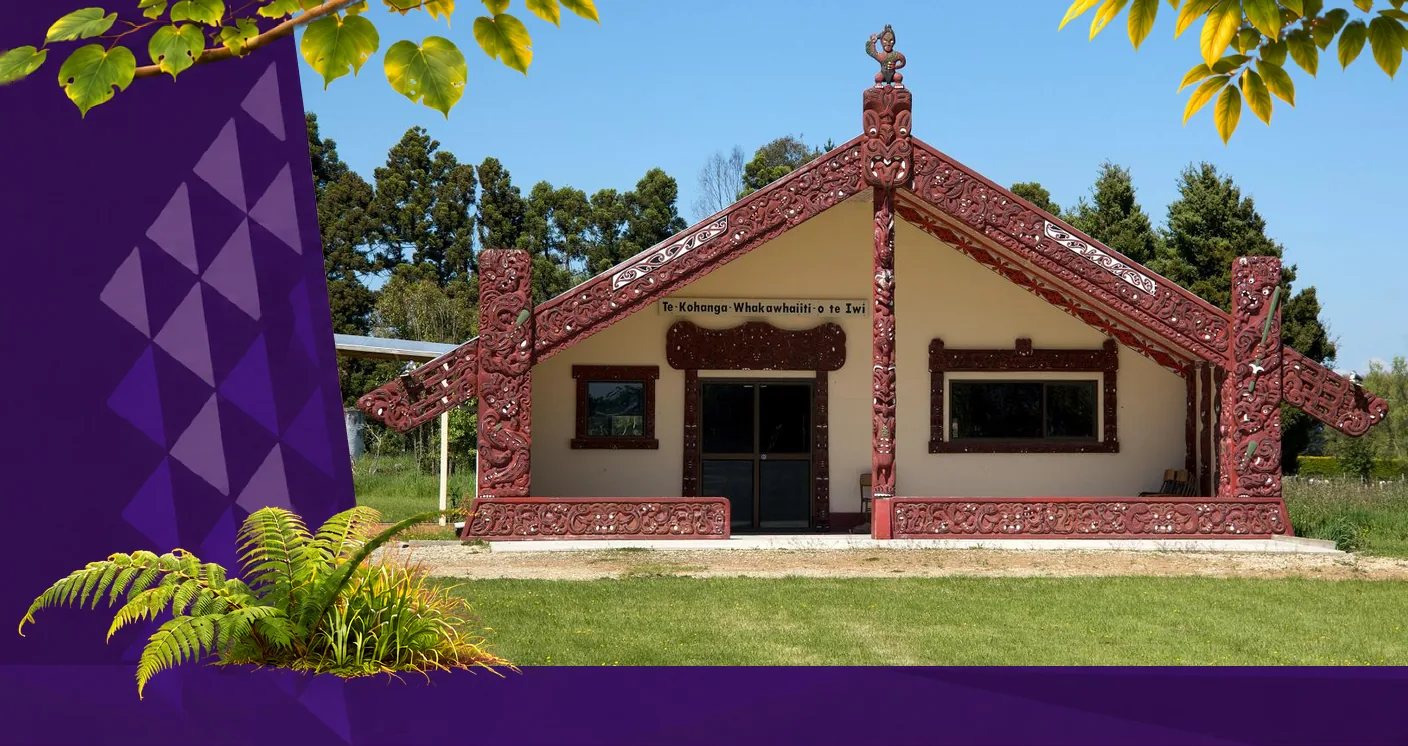
Mākirikiri Marae
Profile coming soon.
Our tūrangawaewae. Our place.
Explore our marae, their stories and current pānui.
Profile coming soon.
Profile coming soon.
Profile coming soon.
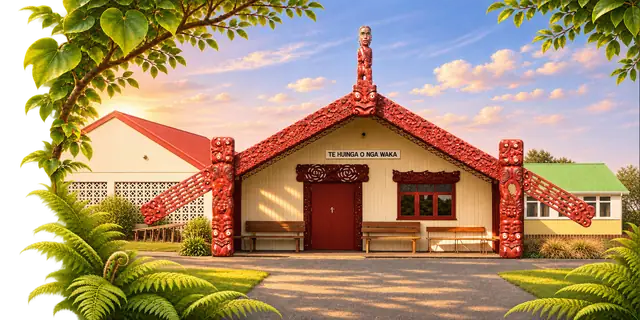
Profile coming soon.
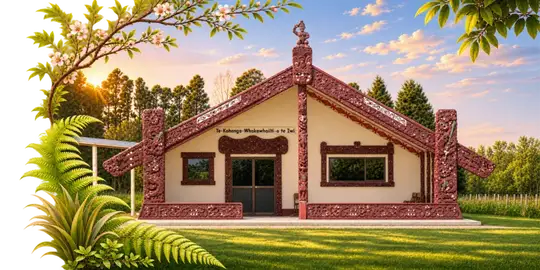
Profile coming soon.

Profile coming soon.
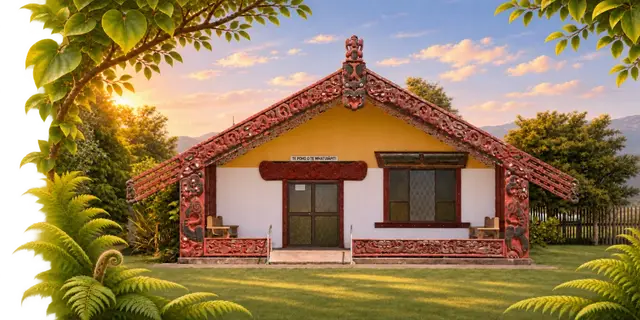
Profile coming soon.
Each marae looks after its own page on this website, in its own words.
Your marae writes and updates its own profile, contact details and links.
Share photos your marae has permission to show, with titles and captions.
Post pānui for your whānau. Contributors submit pānui for approval; publishers can publish directly.
Where your marae chooses, receive booking requests and private messages. These depend on your marae’s settings and the access you have been given.
My Marae is the private portal for authorised marae representatives.
Request access below. A administrator checks every request.
Once approved, you receive an invitation to the email address you gave. Accept it and set your password.
Sign in to My Marae. If you look after more than one marae, choose it from the Marae list.
Your dashboard shows only the tools you have been given, such as Profile, Photos, Pānui, Bookings or Messages.
When your profile is ready, switch on Profile visible to visitors and tap Save profile. Until then visitors see Profile coming soon.
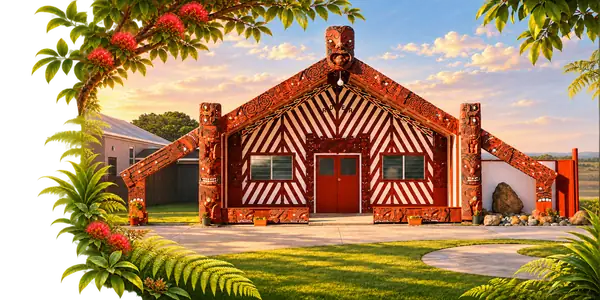
Explore a demonstration profile to see how a marae page can look. It uses sample content only and does not represent any real marae.
View example profileMarae can nominate a representative to look after their page. Send the details below and a ROTNAR administrator will review the request and contact the representative.

Your voice matters
Help us improve our website, services and community resources. Together, we can shape a better future.